💻 Desktop Only

Screen Too Small

This report builder is designed for an optimal side-by-side editing experience. Please open this website on a laptop or desktop computer or adjust the size of your window..

Generate Your Internship Report in
5 Minutes.

Designed for students at MAIT. A step-by-step interactive builder to build your complete Internship Report, fully compatible with most word editors.

Start Generating Now Learn Features

[Internship Cover Page Model]

[Table of Contents]

S.No. Title Page No.
1. Chapter 1 8

[Chapter 1: Company Profile]

[Appendix]

Tailored for Final Year Internship Reports

Everything your college supervisor expects, formatted dynamically inside word editors.

Table of Contents

Indented Subchapters

Automatically detects chapter titles and subheadings to build a clean, multi-level Table of Contents.

List of Tables

Auto List of Tables

Extracts markdown grids pasted from ChatGPT, numbers them sequentially, and compiles them into a clean List of Tables.

Cover Page

Standard Cover Page

Formats student name, enrolment number, and supervisor details into a standard academic cover page.

4-Step Report Assembly

1

Configure Details

Input student name, enrolment number, and college details to auto-generate a professional, compliant Cover Page.

2

Select Chapter

Choose the target chapter. Copy our structured contextual prompt with a single click, ready for your AI assistant.

3

Generate & Paste

Submit the prompt in your AI window. Copy the markdown report response directly back into our dedicated paste zone.

4

Compile & Download

Press Build & Preview to render the unified document. Review footers, and download the finished file compatible with most word editors.

Optimal Workspace Guide

Follow these two simple best practices for the seamless generating experience.

1. Split-View Configuration

For a frictionless experience, open your browser tabs in split screen: place our Report Generator on the left half and your ChatGPT / Claude window on the right half. This makes copying prompts and pasting outputs instantaneous.
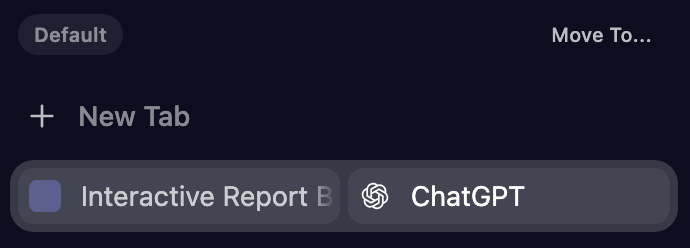
Split View Screen Layout

2. Single Chat Thread Continuity

Always paste all chapter prompts and carry out the entire generation within the same ongoing chat window/thread. Maintaining the same chat allows the AI to retain total context of your project details.
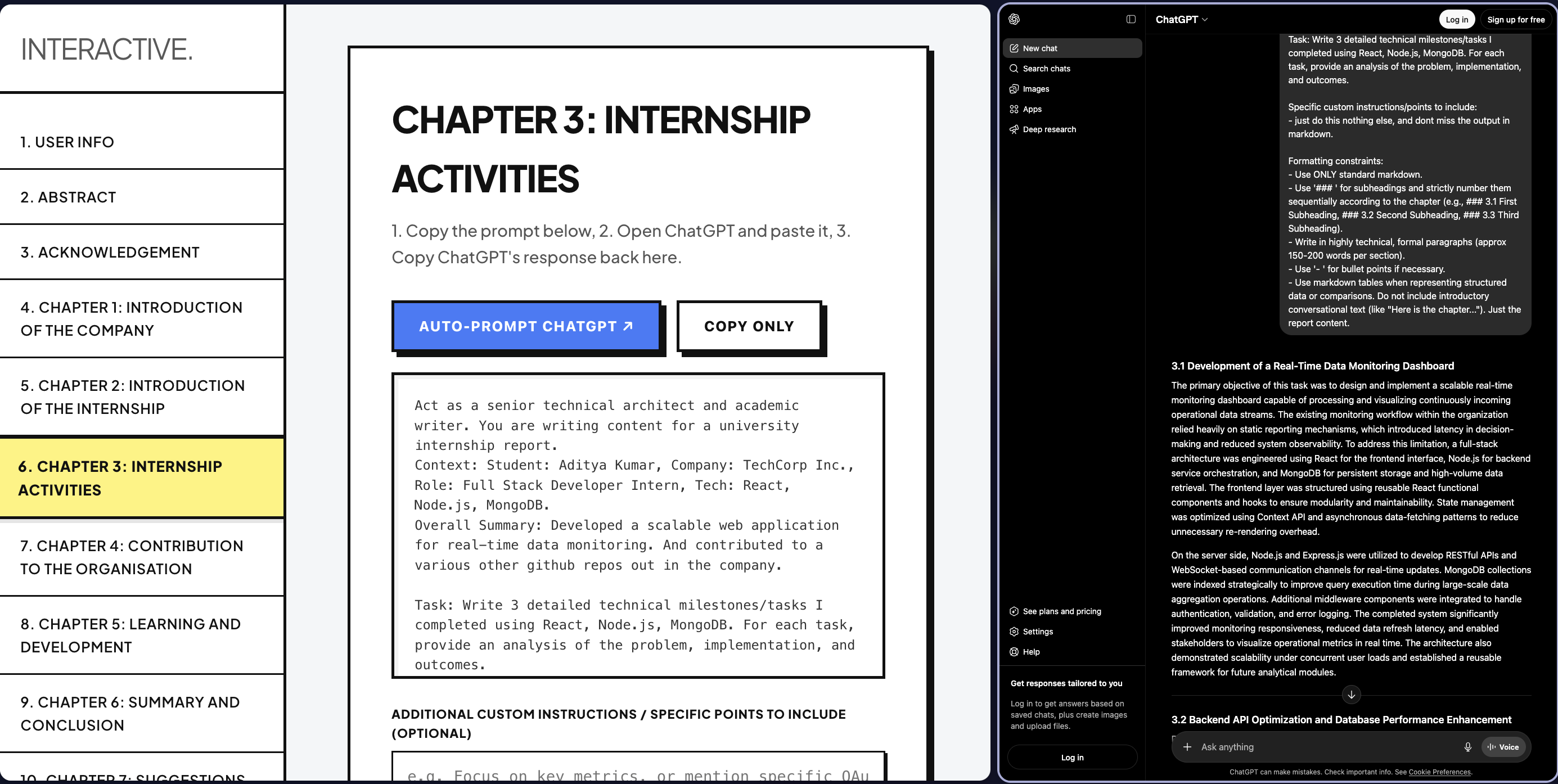
Single Continuous Chat Thread

Plans

Free Use
Active Now
  • Interactive Step-by-Step Wizard
  • Multi-Level TOC
  • Auto Page Numbering
  • Draft Saving
  • Free .docx downloads
Start Compiling